
Open AI
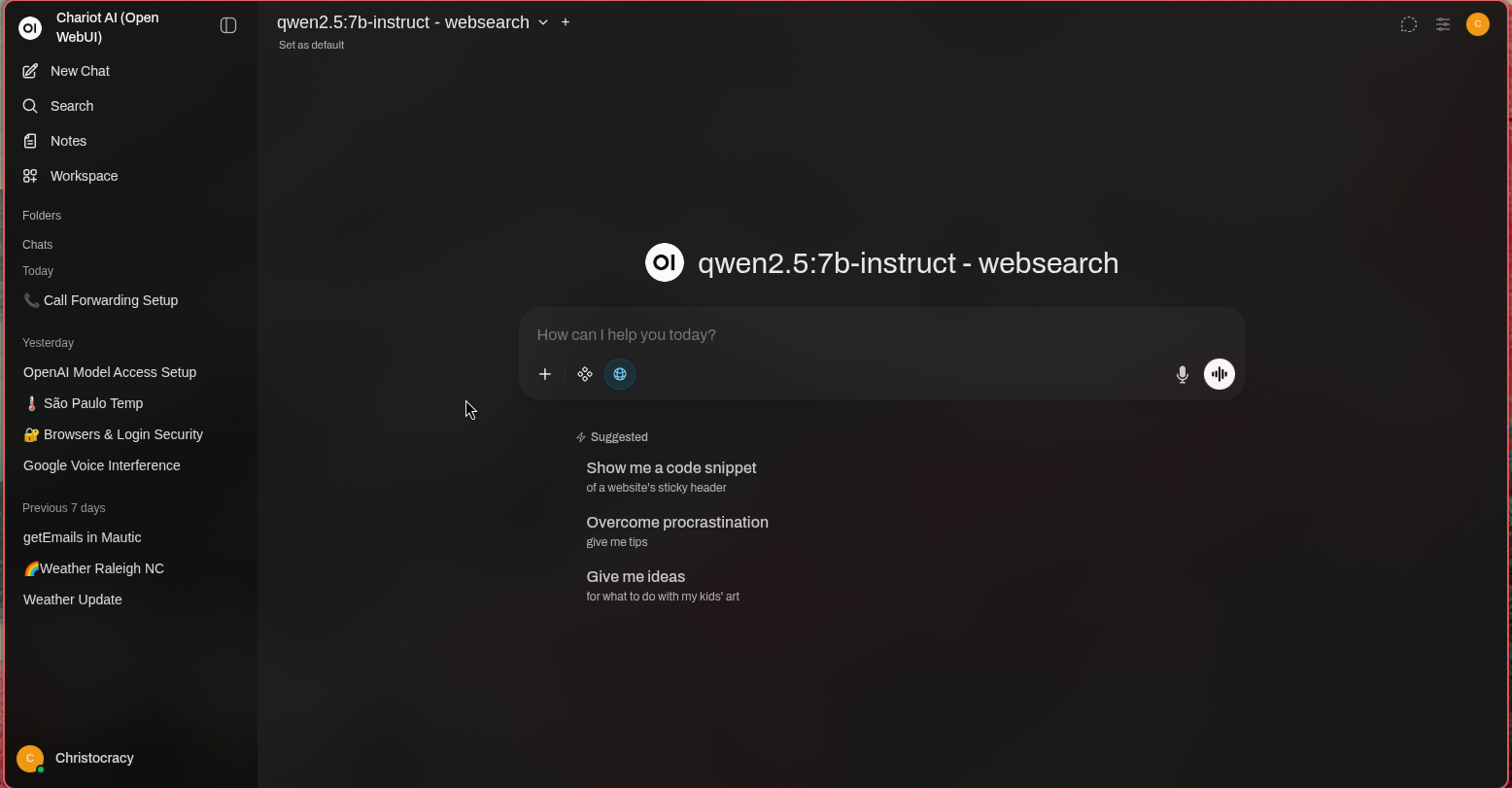
With the announcement of the coming of ads to platforms like Chat GPT, folks who do not want their data sold to the highest bidder are looking into the feasibility of self-hosting LLM’s and image generation models. Thankfully, this is possible and straightforward, using open source LLM’s like the Ollama modules.
Realistic Expectations for CPU-Only Inference
These Hetzner CPX instances are shared vCPU servers (AMD EPYC processors, likely Genoa or Rome series based on recent deployments), meaning performance can vary slightly depending on neighboring usage. They have no dedicated GPUs, so inference runs entirely on CPU. This means:
- Speed: Expect 5–30 tokens/second for small-to-mid models (usable for chat, summarization, or light automation), but slower than cloud APIs or GPU setups.
- No match for major providers in raw speed or frontier-level reasoning (e.g., GPT-4o or Claude 3.5), but the trade-off is complete data privacy. Your company documents, customer data, or proprietary info never leaves your server.
- Key benefits: Load custom knowledge (RAG via company docs in Nextcloud), integrate into n8n automations (e.g., AI email sorter, lead responder, invoice drafter), and guarantee zero brokering or external logging.
Feasible Models on Hetzner CPX PlansHere’s what realistically runs well (based on 2026 open-source LLM benchmarks, Ollama/llama.cpp performance data, and typical CPU inference rules-of-thumb):
- For our standard addon package: (CPX11–CPX31 equivalent: 2–4 vCPU / 2–8 GB RAM)
Practical max: 3B–8B parameter models at Q4/Q5 quantization (4–5 bits per parameter).- Sweet spot: 7B–8B models with ~4k context (e.g., 4–8 GB RAM needed for weights + overhead + KV cache).
- Recommended examples (strong performers in 2026 for CPU):
- Llama 3.1 / Llama 3.2 8B Instruct (excellent general reasoning, coding, chat)
- Qwen2.5 7B / 8B (very strong multilingual, instruction-following)
- Gemma 2 9B / Phi-4 14B (if quantized aggressively—Phi-4 punches above its size)
- Mistral 7B / Nemo 12B variants (fast, efficient)
- Not realistic: 13B+ models (too slow or OOM on 8 GB or less). 70B is impossible without extreme quantization (Q2/Q3) and tiny context—unusable for real work.
- For additional cost, higher power moduels can be run: (CPX41–CPX62 equivalent: 8–16 vCPU / 16–32 GB RAM)
Practical max: 13B–34B models at Q4/Q5 (comfortable on 16–32 GB).- Sweet spot: 13B–32B with reasonable context.
- Recommended examples:
- Qwen2.5 14B / 32B (top-tier open-source reasoning/coding in 2026)
- Llama 3.1 13B / derivatives
- DeepSeek-V2-Lite or similar mid-size MoE models (efficient on CPU)
- Larger 34B-class (e.g., Qwen2.5 32B) on CPX62/32 GB plans for noticeably smarter responses.
- Edge cases: 70B models possible only at very low quant (Q2/Q3) with short context—slow (~1–5 tokens/s) and not recommended for production.
Rule of thumb (CPU inference):
- 7B–8B @ Q4 ≈ 4–6 GB just for weights + overhead/KV cache
- 13B @ Q4 ≈ 8–10 GB
- 34B @ Q4 ≈ 18–22 GB
- 70B on CPU: Usually only practical at Q2/Q3 (poor quality) and very slow.
Our AI add-on (Open AI-compatible server with open-source LLM and image generation – Beta) is optimized for 7B–8B models on standard plans. This delivers reliable, private inference for company-specific automations (e.g., RAG over internal docs, AI email drafting, lead classification via n8n). For 13B+ or heavier workloads (longer context, image gen at higher res, or faster responses), we recommend upgrading to a higher CPX plan or custom configuration (e.g., CPX52/CPX62 equivalent with 24–32 GB RAM). Larger models or dedicated GPU instances come with custom pricing. Why This Matters for Your Business
- Privacy guarantee: Your prompts, fine-tunes, and retrieved documents stay on your server—no training on your data, no resale.
- Integration power: Feed outputs directly into n8n workflows (e.g., summarize Nextcloud files → draft ERPNext notes → send via Mailcow).
- Image generation: Basic open-source models (e.g., Flux.1 or Stable Diffusion variants via Ollama-compatible backends) for internal use (marketing assets, diagrams)—kept fully private.
- Cost predictability: No per-token API fees—just your fixed server + add-on cost.
Getting Started
During your free audit call, we can:
- Test a 7B–8B model live on a sandbox instance
- Estimate performance for your use case
- Recommend the right tier/add-on combo
This add-on turns your sovereign stack into a private AI powerhouse. AI which is secure, customizable, and 100% yours. Fill out the Business Blueprint today to get started.